Every CRM Now Says “AI-Powered.” That’s Not the Useful Question
Open any CRM’s pricing page in 2026 and you’ll see the same badge somewhere near the top: AI-powered, AI-assisted, built for the AI era. At this point it’s less a feature claim and more a checkbox every vendor has to tick to stay in the conversation.
That’s not the question worth asking as an SMB. The question is which of these features actually save your team time, which ones are solving a problem you don’t have, and which ones only work well if your business already looks like the standard sales pipeline these tools were trained on.
We’ve covered why generic CRMs struggle when your workflow doesn’t look like a textbook funnel, and why implementations fail even when the technology works fine. AI doesn’t change either of those realities. It just raises the stakes, because automating a broken workflow just makes the mess move faster.
What “AI in CRM” Actually Means Right Now
Strip away the marketing language and CRM AI features in 2026 fall into four real categories.
- Predictive scoring and forecasting. Models that rank leads or predict deal outcomes based on historical pipeline data.
- Generative assistants. Drafting follow-up emails, summarizing calls, writing proposal copy, based on records already in the system.
- Data quality automation. Auto-logging emails and calls, flagging duplicate records, filling in missing fields from connected sources.
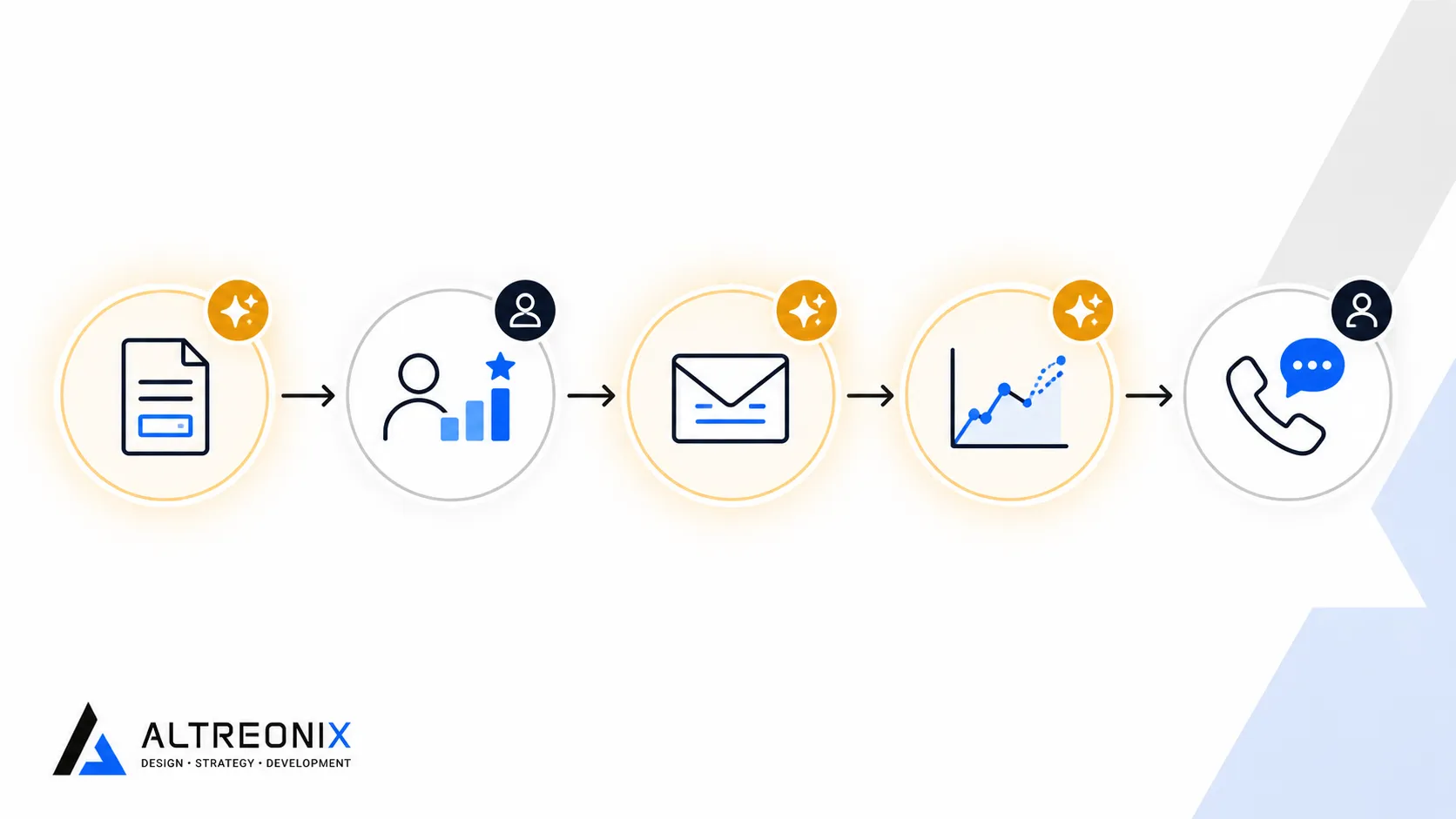
- Agentic workflows. Systems that don’t just suggest an action but carry out a defined task on their own, updating a record, triggering a follow-up, escalating a stalled deal, without someone clicking through each step.
The first three have been maturing steadily for a few years. The fourth is the newer, faster-moving category, and it’s where the big platforms are putting most of their attention right now.
 ## Where the Big Platforms Are Actually Headed
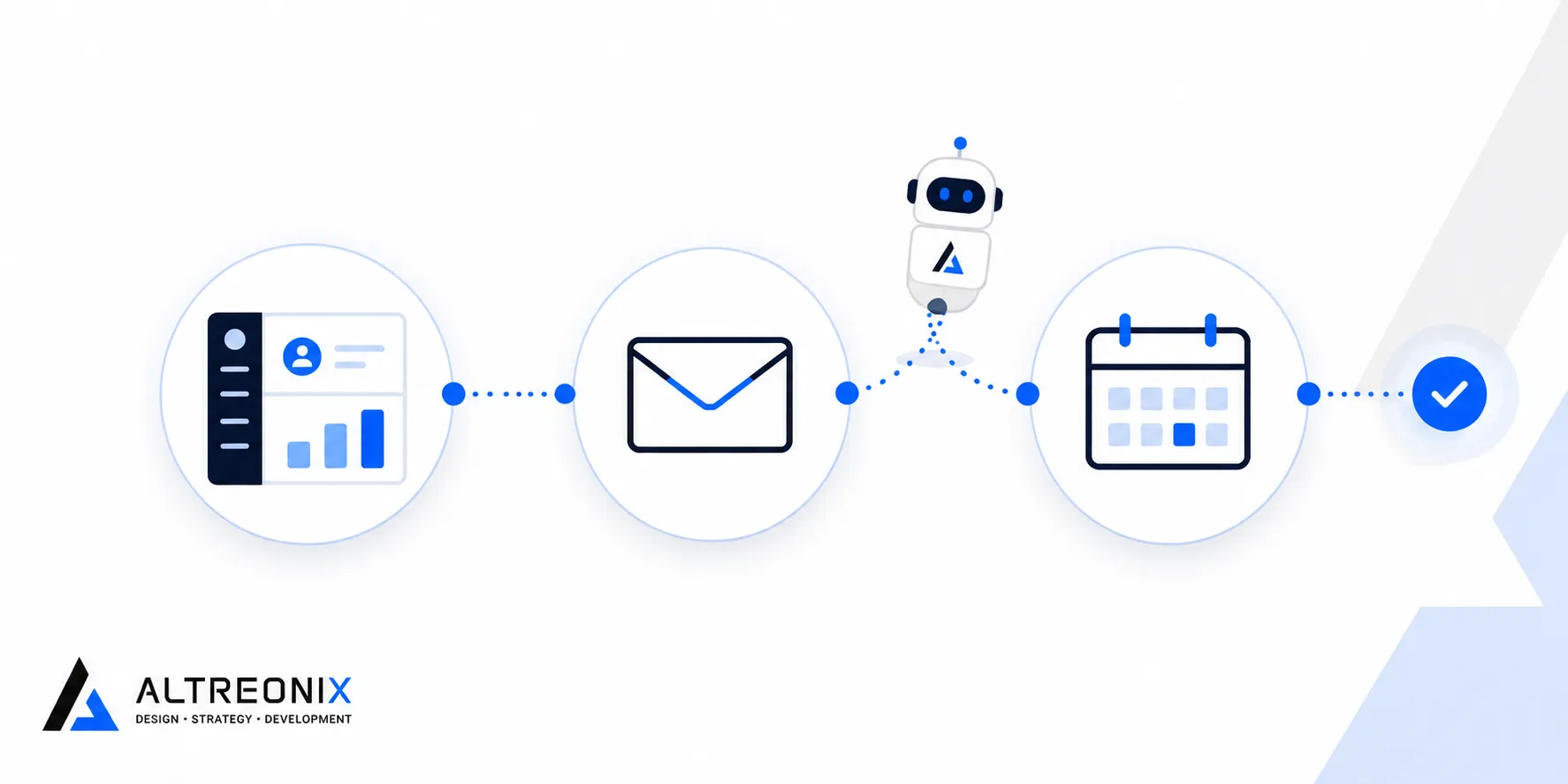
Salesforce’s push into Agentforce and Data Cloud is the clearest signal of where enterprise CRM is going. Rather than treating AI as a bolt-on feature, Salesforce’s own reporting on AI trends frames it as autonomous agents that can handle defined tasks inside the CRM directly, paired with a real-time data layer meant to unify records across systems instead of relying on batch syncs. Recent analysis of how AI is expected to reshape Salesforce implementations through 2026 points in a similar direction, with autonomous agents and unified data platforms treated as standard implementation components rather than optional add-ons.
HubSpot, Microsoft Dynamics, and most mid-tier platforms are following the same pattern at a smaller scale: predictive lead scoring is shifting from a premium add-on to a standard-tier feature, and generative assistants for email and call summaries are becoming table stakes rather than a differentiator.
For an SMB, the practical takeaway isn’t “adopt Agentforce.” It’s that AI-assisted forecasting and data quality automation are no longer bleeding-edge asks. If your current platform doesn’t offer them at a tier you can afford, that’s a legitimate reason to re-evaluate, separate from any workflow-fit issues you might already have.
The Productivity Numbers, With Some Caution
It’s worth being specific here rather than repeating the usual “AI boosts productivity” line without a number attached.
McKinsey’s research on sales automation points to real, measurable potential to reduce the cost of sales by cutting time spent on administrative work, freeing up selling time rather than replacing the salesperson. Separate analysis of AI automation frameworks for sales teams has suggested reductions in manual data entry in the range of 20% to 30% when systems are designed around clean, well-structured data.
The caveat matters as much as the number. Every one of these gains assumes the data going into the system is reasonably clean and the workflow it’s automating actually reflects how your team works. Bolting predictive scoring onto a CRM with duplicate records and half-filled fields, the exact failure pattern we covered in our piece on why CRM implementations fail, doesn’t produce a 20% gain. It produces confidently wrong predictions faster than before.
Where Off-the-Shelf AI Genuinely Works Well
To be fair to the platforms, there are real use cases where built-in AI is the right call and building your own would be a waste of money.
- Standard B2B sales motions. Lead scoring trained on a conventional deal-stage pipeline performs reasonably well, because that’s exactly the pattern these models were built and tuned around.
- Generic content drafting. Follow-up emails, meeting summaries, and proposal first drafts don’t need custom AI. The built-in assistant is usually good enough, and building your own here is solving a problem that doesn’t exist.
- Basic data hygiene. Duplicate flagging and auto-logging are mature, low-risk features across most major platforms at this point.
If your workflow is close to what these platforms assume, there’s little reason to custom-build any of this. Use what’s already in your subscription.
Where Generic AI Breaks Down for Non-Standard Workflows
The problem shows up the moment your business doesn’t look like the pipeline the model was trained on.
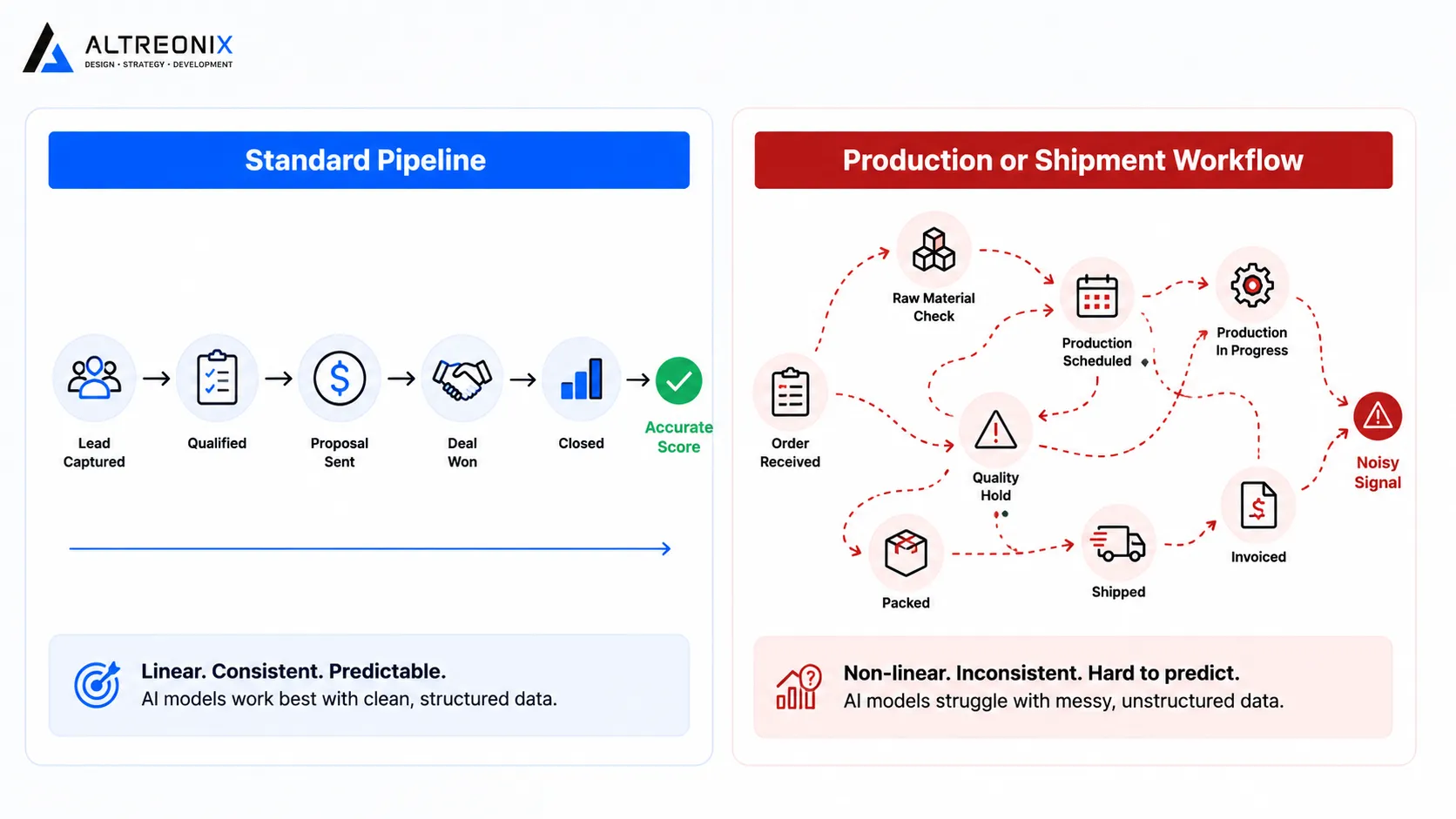 A lead-scoring model assumes a deal moves through stages toward a close date. If your business actually tracks production orders, shipments, or ongoing client engagements instead of one-time deals, the model is scoring the wrong shape of data, and the output is noise dressed up as insight. This is the same workflow-mismatch problem we detailed in our pillar guide on custom versus off-the-shelf CRM, just showing up one layer higher, in the AI feature rather than the base pipeline.
The same applies to agentic automation. An agent that auto-escalates “stalled deals” based on days-since-last-activity works fine for a standard sales cycle. It’s meaningless for a manufacturer where the real signal is a production delay, or a services firm where the real signal is an overdue milestone, not a generic activity timestamp.
This is exactly where custom automation earns its cost. Not because custom AI is inherently better, but because it can be built around what a stalled process actually looks like in your specific business, instead of a generic proxy that doesn’t apply.
What’s Worth Building vs What’s Worth Waiting On
A simple way to sort this before spending money on either side:
| Task Type | Recommended Approach |
|---|---|
| Rule-based status automation (e.g. auto-notify on order status change) | Build now, low cost, high reliability |
| Generic email drafting, call summaries | Use the platform’s built-in AI, don’t rebuild it |
| Lead scoring on a standard sales pipeline | Use the platform’s built-in AI |
| Predictive signals on a non-standard workflow (production, shipments, engagements) | Custom-built, generic models won’t map to your data correctly |
| Data quality automation on messy legacy data | Fix the data model first, automation on top of bad data compounds the problem |
| Cross-system agentic workflows tied to your specific stack | Custom-built, vendor agent frameworks are usually tuned for their own ecosystem |
A Simple Way to Prioritize AI and Automation Investment
Rather than chasing every new AI feature a vendor announces, rank potential automation projects against three questions:
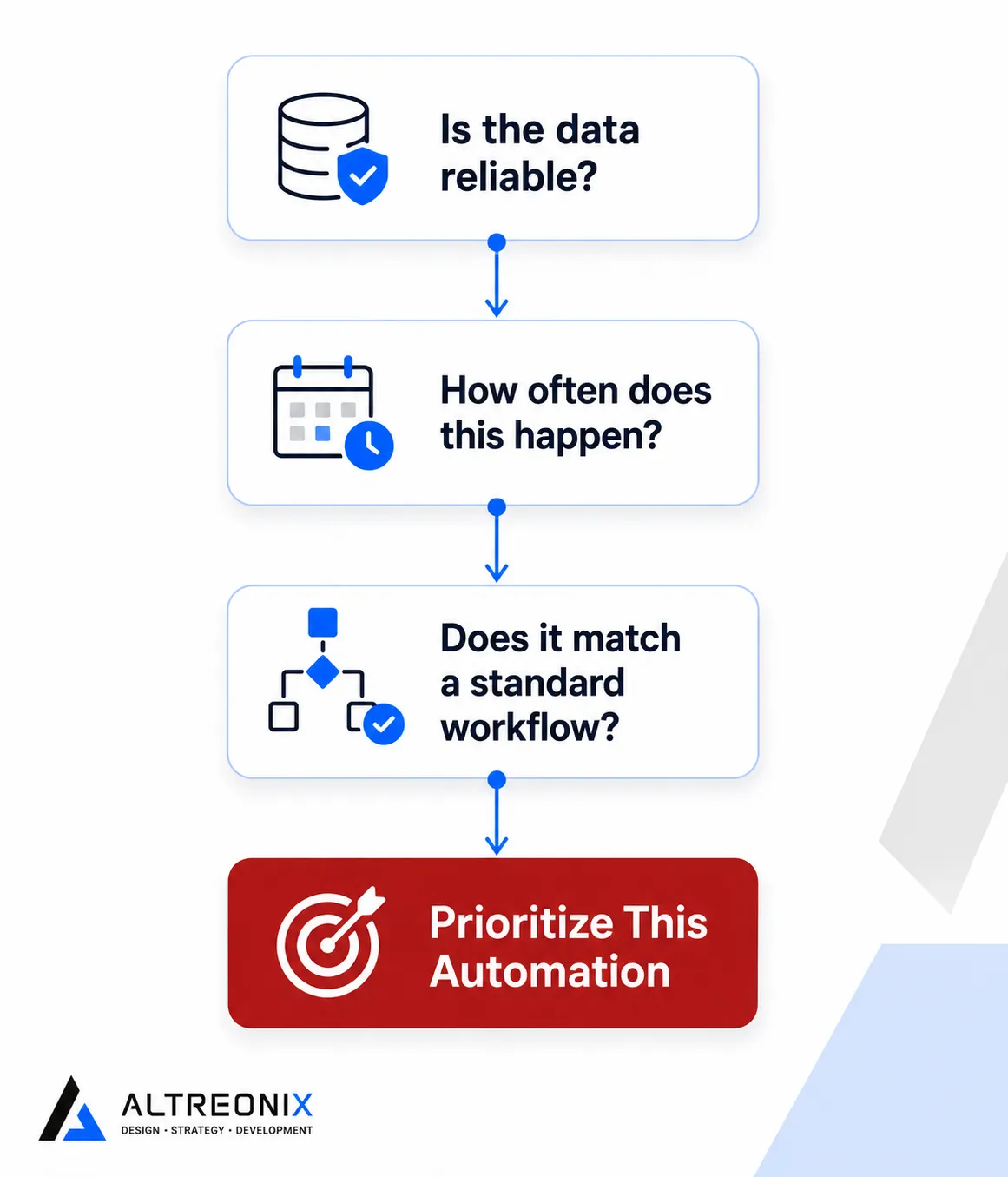 1. Is the underlying data already reliable? If not, that’s the actual project, not the automation layered on top of it.
2. How often does the manual task actually happen? A task done twice a week is a poor automation candidate compared to one happening dozens of times a day.
3. Does the workflow match what the AI model assumes? If your process is genuinely close to a standard pipeline, built-in AI is probably good enough. If it isn’t, that’s your signal for custom.
1. Is the underlying data already reliable? If not, that’s the actual project, not the automation layered on top of it.
2. How often does the manual task actually happen? A task done twice a week is a poor automation candidate compared to one happening dozens of times a day.
3. Does the workflow match what the AI model assumes? If your process is genuinely close to a standard pipeline, built-in AI is probably good enough. If it isn’t, that’s your signal for custom.
Where This Fits Into the Bigger Build vs Buy Decision
AI doesn’t change the core calculation from our pillar guide, it adds a new layer to it. If your workflow fits a standard pipeline, lean on your platform’s built-in AI and save the budget. If your workflow doesn’t, the same reasoning that pushes you toward custom development applies just as much to the automation layer as it does to the base CRM. Trying to force a generic AI feature onto a non-standard process tends to produce the same silent failure pattern as forcing a generic pipeline onto one, just with more confident-looking dashboards along the way.
What We Actually Build When Clients Ask for “AI in Their CRM”
Most of the time, the request isn’t really “add AI.” It’s closer to “stop my team from doing this manually every day.” That’s a workflow automation problem first, and an AI problem second. We start by mapping the actual repetitive task and the data behind it, then decide whether a simple rule-based trigger solves it, or whether it genuinely needs a predictive or generative layer on top. More often than people expect, the answer is the former, and it’s a fraction of the cost of a “real” AI project.
Conclusion
AI in CRM isn’t one thing, and treating it as a single feature to switch on misses the point. Some of it, generic content drafting, standard lead scoring, basic data hygiene, is mature enough that building your own is a waste of money. The rest, predictive signals and automation tied to a workflow that doesn’t look like a standard pipeline, is exactly where custom development earns its cost. The deciding factor is the same one that decides your CRM platform choice in the first place: does your workflow match what the tool assumes, or doesn’t it.
If you’re not sure whether what you need is a simple automation rule or something closer to a real AI build, our internal software and business systems team can help you figure out which one it actually is before you spend on either.